SMART Disaster Relief Fund
Online Application for the SMART Disaster Relief Fund
Brothers and Sisters
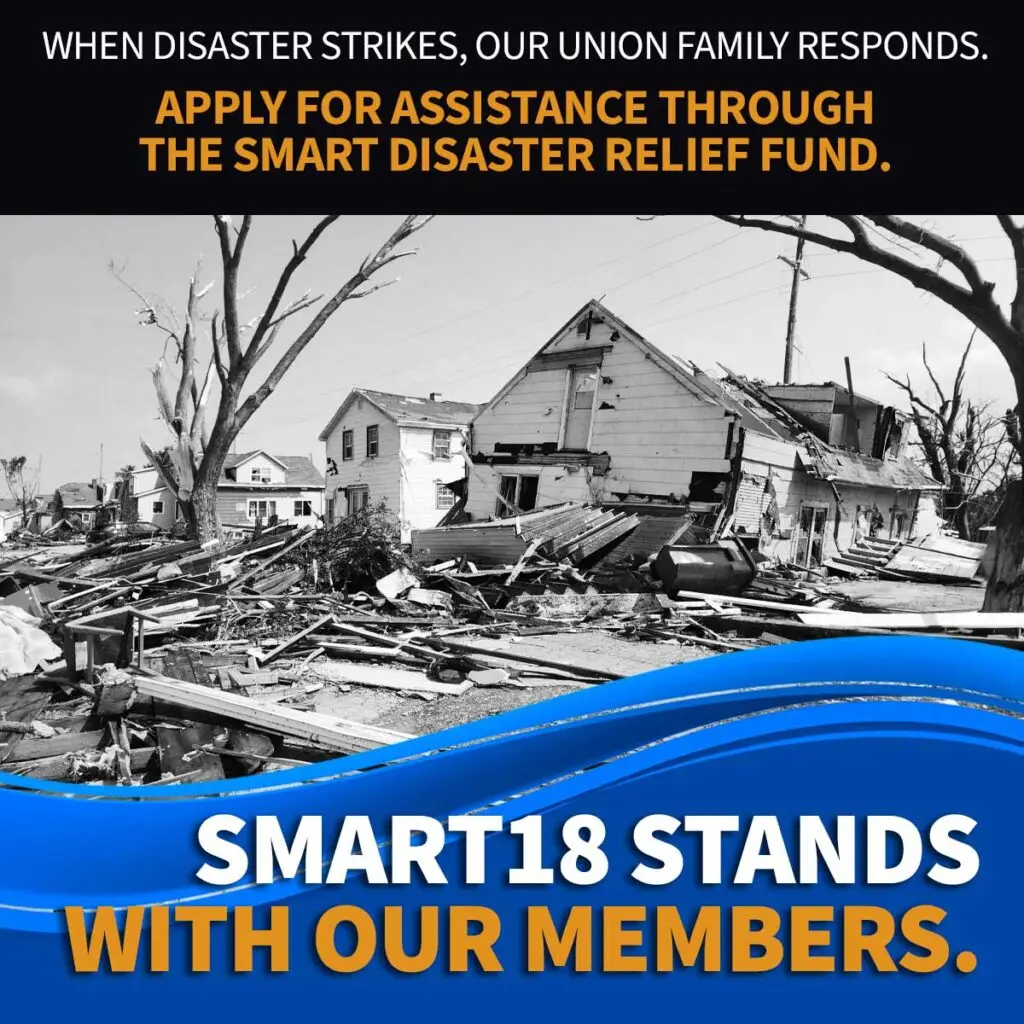
Since 2012, the SMART Disaster Relief Fund has been instrumental in providing financial relief to members impacted by disasters. Working with local unions and regional councils frequently impacted by natural disasters, the SMART Special Projects Department streamlined the Disaster Relief Fund process, created a guidebook for navigating disasters, and supplied criteria guidelines and instructions for applying through the SMART Member Portal electronically (https://smart-union.org/members/drf-application).
We thank local unions and regional councils for your generous contributions to the Disaster Relief Fund, which make this work possible.
For new business managers, regional council presidents, and assigned local union officers (if you have successfully received Disaster Relief Fund applications in the past, please disregard the rest of this post).
When a member applies for disaster relief through the electronic Disaster Relief Fund form, an assigned local union officer or regional council officer must verify and approve or deny the application. The assigned officer will default to the business manager or regional council president unless the local union or regional council has requested a change from SMART Director of Special Projects Louise Medina (smartdrf@smart-union.org).
For this reason, it is extremely important that each local union business manager or regional council president (or other assigned local union officers) have an account in the SMART Member Portal with their work email. The Member Portal is where local unions and regional councils can access members’ applications and approve or deny them.
If you have not yet created a Member Portal account:
- Visit the Members’ Portal at www.smart-union.org/members
- Enter your information — work email address, name, local union, and your IA number.
- You will then be prompted to create a personal password of at least 12 characters to login in the future.
- Once the first three steps are complete, you will receive an email confirming your registration with a link in the body of the message. Please check your spam folder if you do not receive it — especially Gmail and Hotmail users! After visiting that link, your portal account will be activated and verified, and you will be able to explore and customize important union resources.
If you have a Member Portal account with your personal email and need to change it to your work email:
- Visit the Members’ Portal at www.smart-union.org/members
- Log into your account.
- Under “My Dashboard” on the left hand side of your screen, click “My Profile” (www.smart-union.org/members/my-profile).
- On the “My Profile” page, find “email” under “My Personal Profile”, and click “Edit.” Then input your work/union email and save changes.
Once you have successfully created an account or updated your email, please email smartdrf@smart-union.org to confirm the update.
Updating your Member Portal information is vital for members in need of disaster relief, as well as for your local union or regional council’s ability to verify the accuracy of DRF claims. Thank you for your attention to this matter.
In efforts to continue to provide financial assistance to members that are impacted by natural disasters, please consider contributing to the SMART Disaster Relief Fund. We thank you for your support.
For further assistance or questions about the SMART Disaster Relief Fund, please email Louise Medina at smartdrf@smart-union.org.
In Solidarity.